

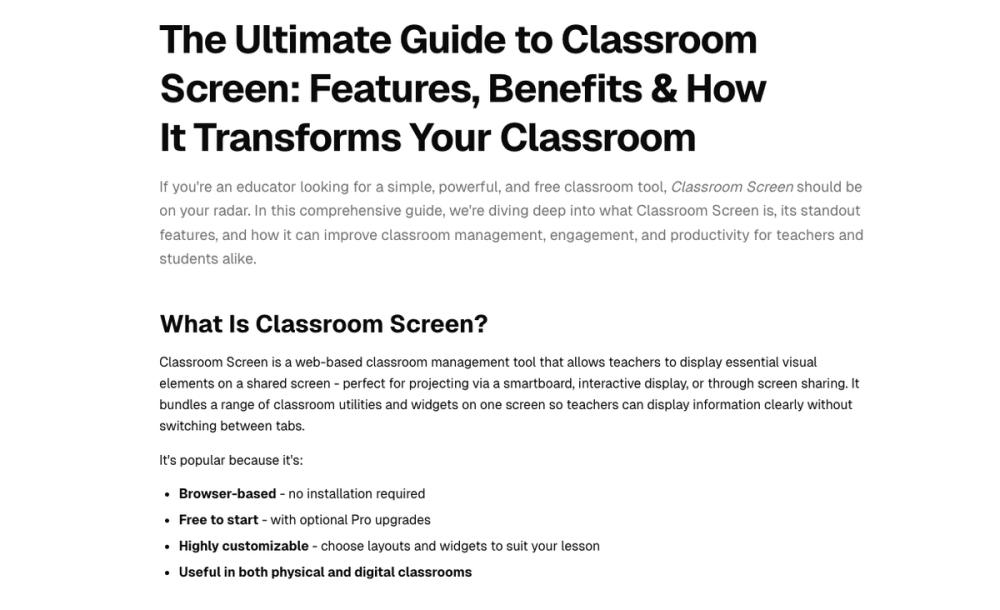
Classroom Screen is an indispensable web-based tool designed to streamline classroom management and boost student engagement. It consolidates various essential utilities into a single, customizable display, making it a go-to resource for teachers across all grade levels.
Empowering Educators with a Unified Classroom Hub
Classroom Screen stands out as a powerful and free web-based classroom management tool, specifically crafted to assist educators in creating a more organized, interactive, and productive learning environment. By centralizing essential visual elements on a shared screen, it eliminates the need for teachers to constantly switch between multiple applications or physical tools. This comprehensive guide delves into its core functionalities, demonstrating how it can significantly improve classroom dynamics for both teachers and students.
The platform's appeal lies in its simplicity and versatility. Being entirely browser-based, it requires no installation, making it accessible from any device with an internet connection. Teachers can project it via smartboards, interactive displays, or through screen sharing in virtual classrooms, ensuring all students have clear visibility of instructions, timers, and other crucial information. Its highly customizable interface allows educators to tailor layouts and widgets to perfectly suit the needs of any lesson or teaching style.
Key Features and Benefits:
- Intuitive Dashboard & Widget Bar: Offers a clean interface with draggable, resizable widgets for ultimate customization.
- Time & Task Management: Includes a clock, timer, stopwatch, and event countdowns to help students manage their time effectively.
- Engagement & Interaction: Features a poll widget for instant feedback, a QR code generator for quick resource access, and a random name picker/group maker for fair participation.
- Classroom Management Tools: Provides traffic lights, work symbols, and a live noise level monitor to establish clear routines and expectations.
- Customization & Personalization: Allows teachers to choose from hundreds of backgrounds, upload their own visuals, and use drawing/text tools for dynamic content.
- Multimedia Integration: Enables direct embedding and playback of YouTube videos within the screen, maintaining focus.
- Accessibility & Remote Learning Support: Fully functional for online lessons via screen sharing, supporting hybrid learning environments.
Classroom Screen is more than just a collection of tools; it's a holistic solution for modern educators. Its ability to combine diverse functionalities into one visual interface makes it an invaluable asset for fostering student self-regulation, enhancing instructional clarity, and promoting a collaborative classroom atmosphere. Whether managing elementary routines or high school projects, this tool provides the visual cues and interactive elements necessary for a smooth and engaging educational experience.


